
Why take care of existing patients?
Patients you have already treated know your team, trust their dentist and have their history in your clinical records. Bringing them back is usually much easier than winning over someone who has never walked through your door.
The problem is that patients who stop coming don't tell you they're leaving. They just disappear. Patient management means catching this in time: knowing who is up to date, who is drifting away and who needs a call right now.
Decide when a patient counts as inactive at your clinic. Many use 6 or 12 months without a visit. The exact cutoff matters less than checking the list regularly.
When do patients slip away?
Patients almost always slip away at one of these four points. Each one calls for a different action from the clinic.
- After the consultation: they got the treatment estimate and said they'd think about it. Without a follow-up by the agreed date, the decision goes cold.
- Before treatment starts: they accepted, but the first appointment was never booked. These are the easiest patients to bring back, and the most often forgotten.
- Mid-treatment: they missed a step and never rescheduled. Treatment stalls, and the patient feels awkward about coming back.
- After treatment: they finished, and no one reminded them about recall or maintenance.
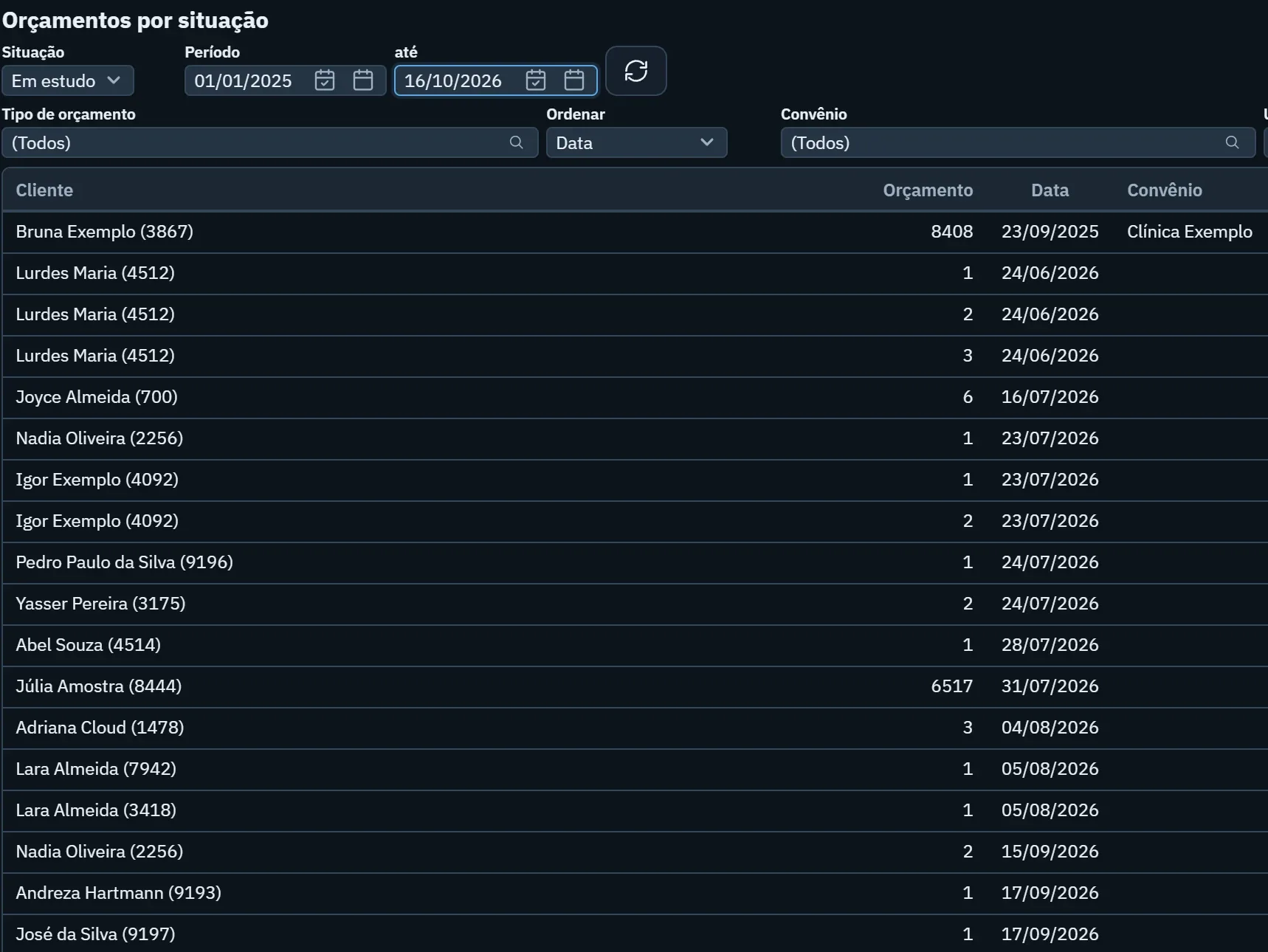
Stalled estimates have a guide of their own: the treatment plans and estimates guide. Here, the focus is making sure no one falls through these gaps without the clinic noticing.
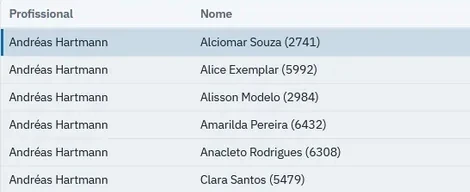
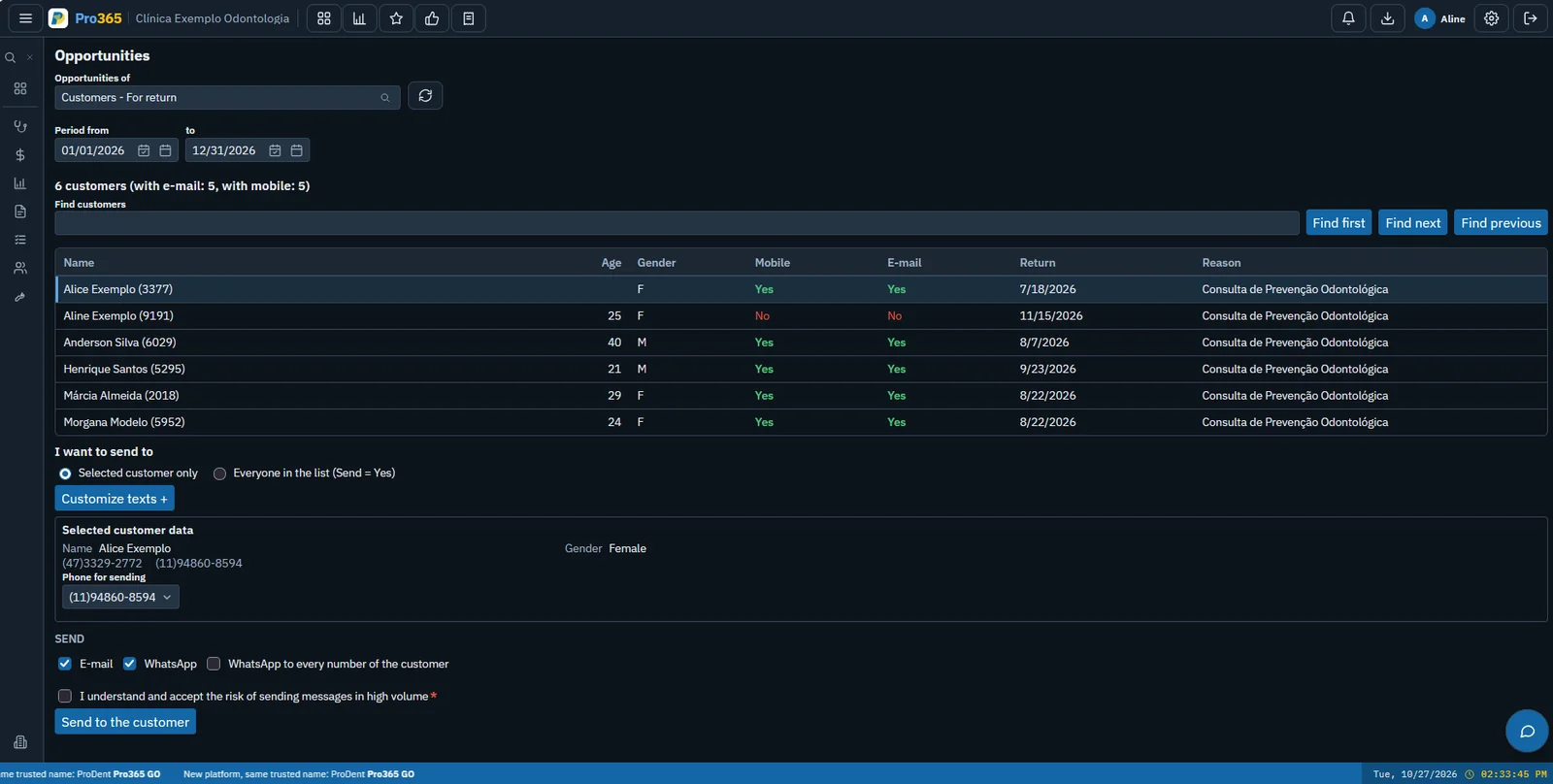
Want to see who has stalled at your clinic? We'll show you how Pro365 GO, the new ProDent, builds patient lists by schedule, date range, provider and status.
Book a demoHow do you get patients back for recall?
Recall starts at the end of the appointment, not months later. The clearer the next step, the less likely the patient is to slip away. The routine that works is short:
- Agree on the next step before the patient leaveswith a booked date or, at the very least, the recall month noted in their record.
- Explain why they should come backin a few words. Patients who understand why maintenance matters miss fewer appointments and come back more often.
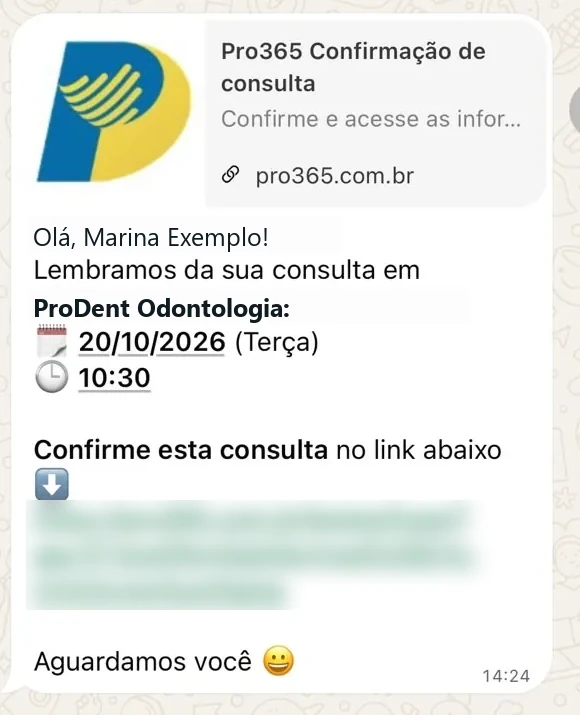
- Send a reminder before it's duewith a short WhatsApp message that includes the patient's name and an invitation to book.
- Make replying easythe patient answers the message and the front desk finds a slot in the schedule right away.
Booked recalls help the schedule too: those slots go to people who already know the clinic. The scheduling guide shows how to fit these recalls into your week.
How do you nurture the relationship without being pushy?
A good relationship isn't about sending lots of messages. It's about making patients feel the clinic remembers them and takes good care of them, in the chair and out of it.
- Get the experience right: punctuality, a well-run front desk and a clearly explained treatment make patients want to come back.
- Always have a reason: every message is about something specific, like a recall, a maintenance visit or a question about the estimate.
- Use the channel your patients use: for most, that's WhatsApp. Keep it short, with their name and your clinic's tone.
- Respect the limits: get consent to contact them (in line with data-protection law), follow your professional code of ethics and don't overdo the frequency. Anyone who opts out is left off.
- Keep clinical details out of messages: procedures and diagnoses stay in the clinical record, for privacy.
Read the message as if you were the patient. If it sounds like an ad, rewrite it until it sounds like a reminder from someone who cares.
How do you reactivate lapsed patients?
Reactivation means reaching out to patients who are already past due. It works best when the clinic treats each group differently instead of sending everyone the same message.
- Build the listusing your inactive criteria: no visit in many months, a pending estimate, or an accepted treatment that never started.
- Group by reasonand write one message for each group. Someone who disappeared after finishing treatment doesn't need to hear about estimates.
- Invite without pressurewith a short message tied to the patient's health and an easy way to reply.
- Prepare the front deskto reply the same day and book the appointment while the patient is still in the conversation.
- Track who came backand compare campaigns. The one that brought back the most patients becomes the template for the next.
More list and message ideas in how to retain and reactivate patients.
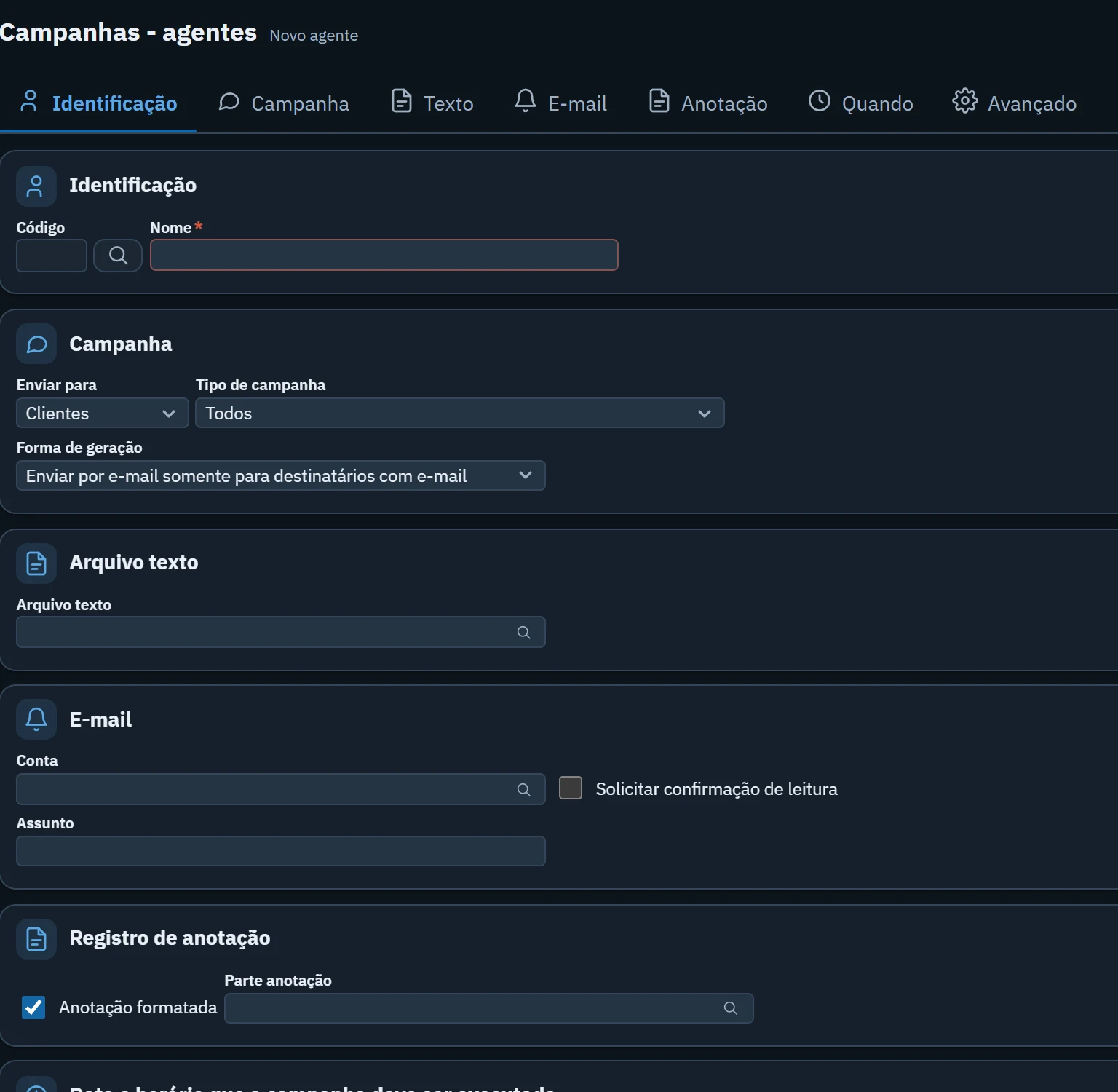
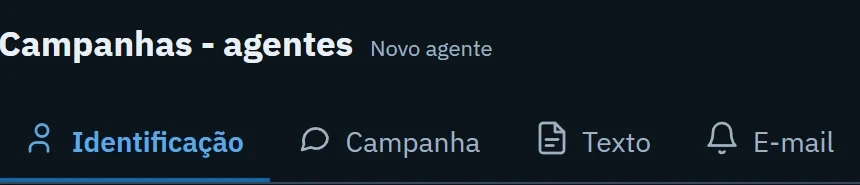
Campaigns that run on their own. See how the Pro365 GO campaign agent builds the list and sends the WhatsApp message on the day and at the time you choose.
Show me how it works