

Why does the team work hard and the routine still break down?
In many clinics, everyone is busy all day and things still slip through: the appointment nobody confirmed, the treatment estimate nobody followed up on, the patient waiting while the dentist has no idea they have arrived.
The problem is almost never a lack of effort. It is a lack of ownership. When a task belongs to "everyone," it lives in someone's memory and, on a hectic day, it disappears. That is exactly where team management starts: one owner for each stage of the routine, an agreed way of doing it and one simple number to know whether it worked.
List the tasks that repeat every week in the clinic and write one person's name next to each. Wherever a line is blank or has two names, that is your next problem.
How should you split up roles in the clinic?
Split them by the patient journey, from scheduling to recall, not by the list of job titles. At each stage, one person is accountable for the result, even if others help:
- Front deskschedule, appointment confirmations, patient check-in and follow-up on pending treatment estimates. The front desk owns the patient relationship.
- Dentisttreatment, charting in the clinical record and odontogram on the same day, and presenting the treatment plan.
- Dental assistantroom setup, materials and sterilization, so appointments start on time.
- Billingpayments received, collections, accounts payable and closing the day's cash.
- Manager or ownerreview the week's numbers, make decisions and talk with the team.
In a small clinic, one person wears several hats, and that is fine. What cannot happen is a stage with no owner. To see the full path, stage by stage, read how to organize processes and the team in the clinic.
Along with the roles, define each person's access to the system. The front desk does not need the full financial module, and the dentist does not need to touch the accounts.
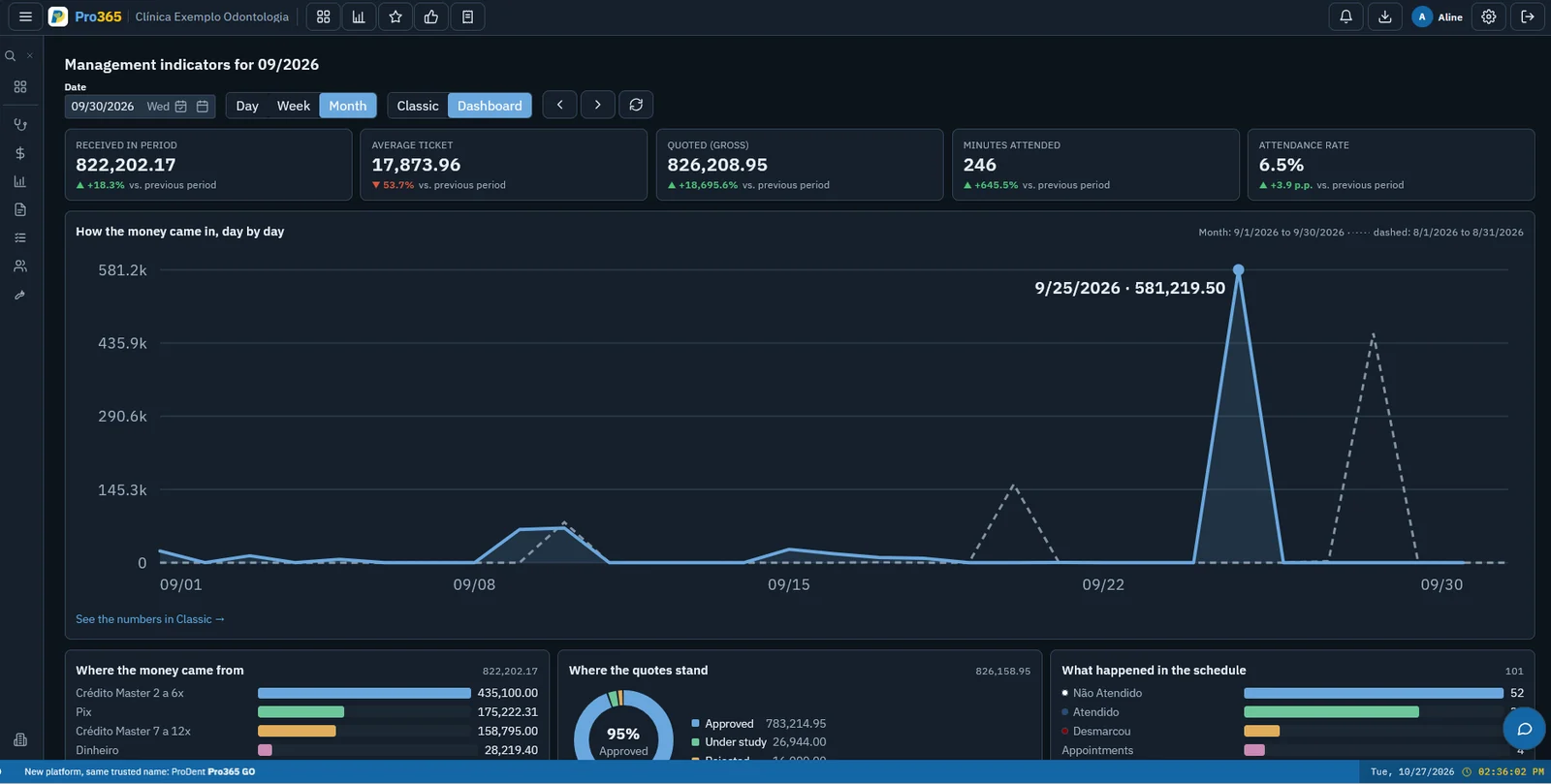
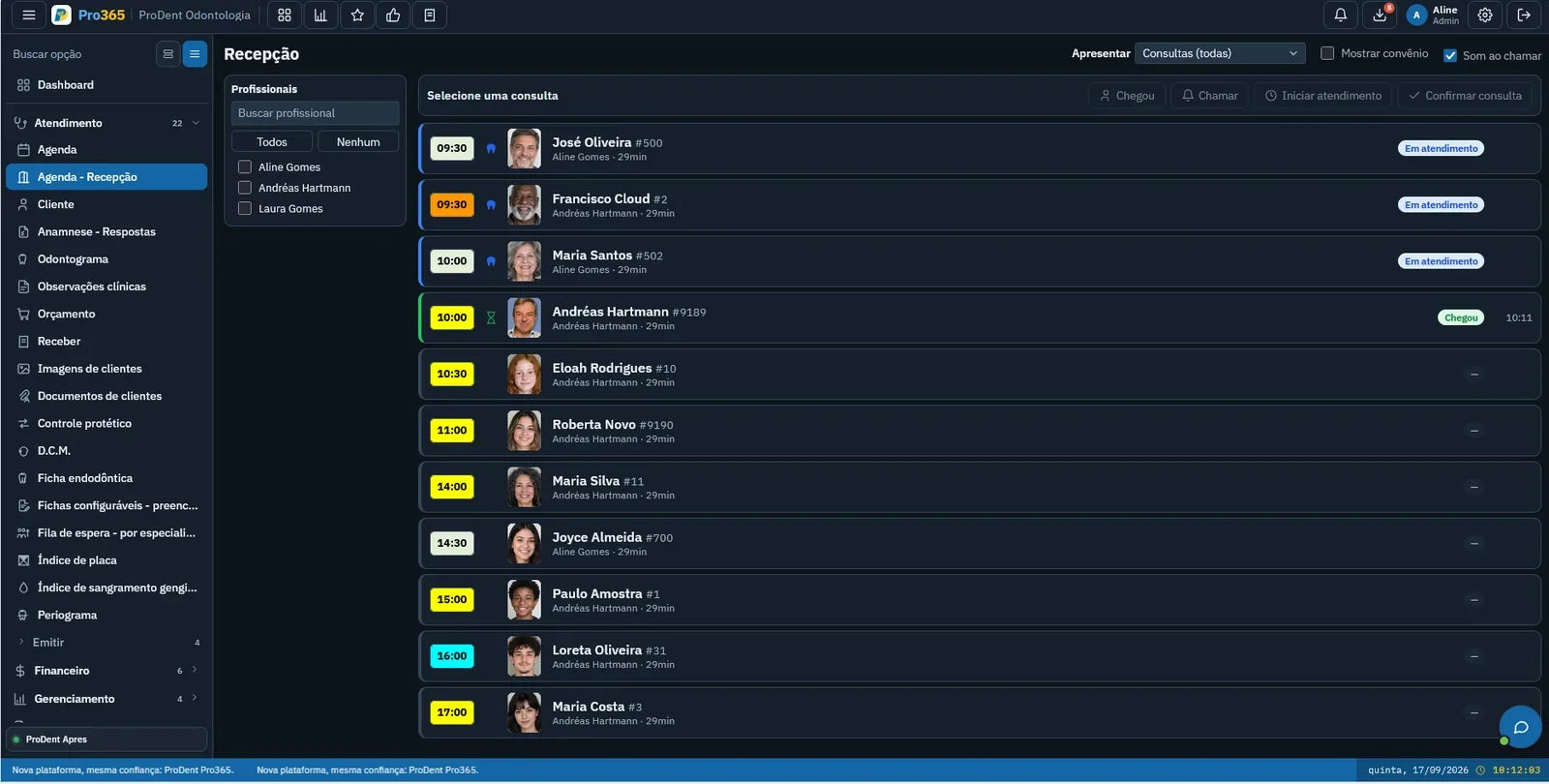
Everyone with their own screen. We will show you how Pro365 GO, the new ProDent, brings the front desk, dentist, billing and manager into the same workflow.
Schedule a demoHow do you write down the right way to do each task?
A standard operating procedure, or SOP, is the step-by-step for a task, written so that anyone on the team does it the same way. It does not have to be a thick manual. A good SOP fits on one page and answers four questions:
- Who does it: the owner and who covers when they are out.
- When: at what point in the day or week.
- How: the steps, in order, including what must not be forgotten.
- Where to record it: where in the system the task gets logged.
Start with the tasks that cause the most trouble today, such as confirming appointments, checking patients in, presenting and following up on treatment estimates, and closing out the day. Write them together with the person who does them, because they know where the task usually goes wrong.
Pick one task a week to turn into an SOP. In a little over a month, the clinic's most important routines will be written down.
How do you set goals the team understands?
Good goals are few, tied to the work of the person who has to meet them and easy to track. A long list of goals becomes noise; nobody knows which one matters most.
For each role, agree on one or two process goals, things the person controls day to day:
- Front desk: appointments confirmed by the day before, and pending treatment estimates with a logged contact.
- Dentist: procedures charted the same day, and treatment plans presented with the case on screen.
- Billing: cash closed out every day, and the overdue list worked daily.
Outcome goals, such as case acceptance and schedule utilization, belong to the whole clinic. Share these numbers with everyone, every week, so each person can see how their own work contributes.
If the clinic pays commission, put the rule in writing and make it clear: what it is calculated on, when it is paid and what happens when the patient does not pay. A vague rule creates more conflict than motivation.
How do you train the team and keep the standard?
Training is not a one-time event at hiring. It is a habit. Three moments make the difference:
- A new hire's first weekwith a plan: shadow someone who already does the job, read the SOPs and do the tasks with someone alongside before doing them alone.
- A short meeting every weekfifteen or twenty minutes, always at the same time, to look at the numbers, talk about what slipped through and agree on one adjustment.
- A one-on-one every monthto give feedback on goals, hear what gets in the way of the work and recognize what was done well.
A question about the system in the middle of the workday is a different matter: it needs an answer right away. With Pro365 GO, the HartSystem team trains your team during onboarding, and Pro365 AI Instructor explains over WhatsApp, by voice or text message, how to do each task in the system, at any time, including for people who join later.
New staff learning without bringing the clinic to a halt. See Pro365 AI Instructor answering the team's questions over WhatsApp.
Show me how it works