
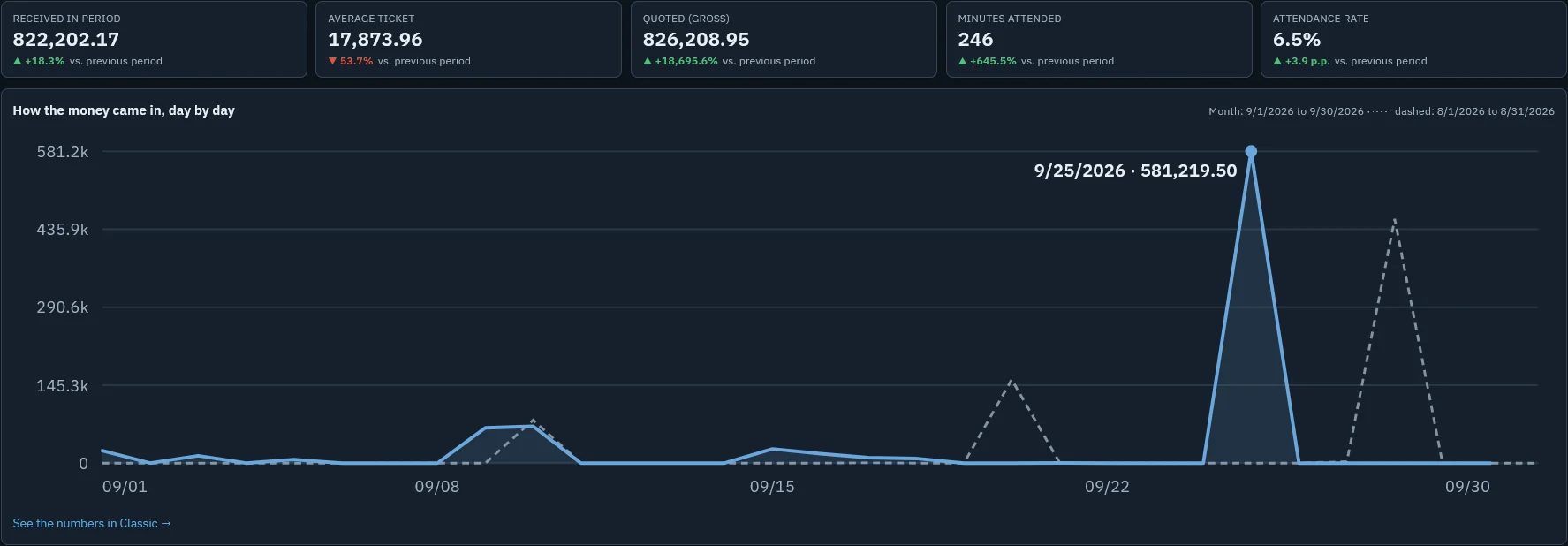
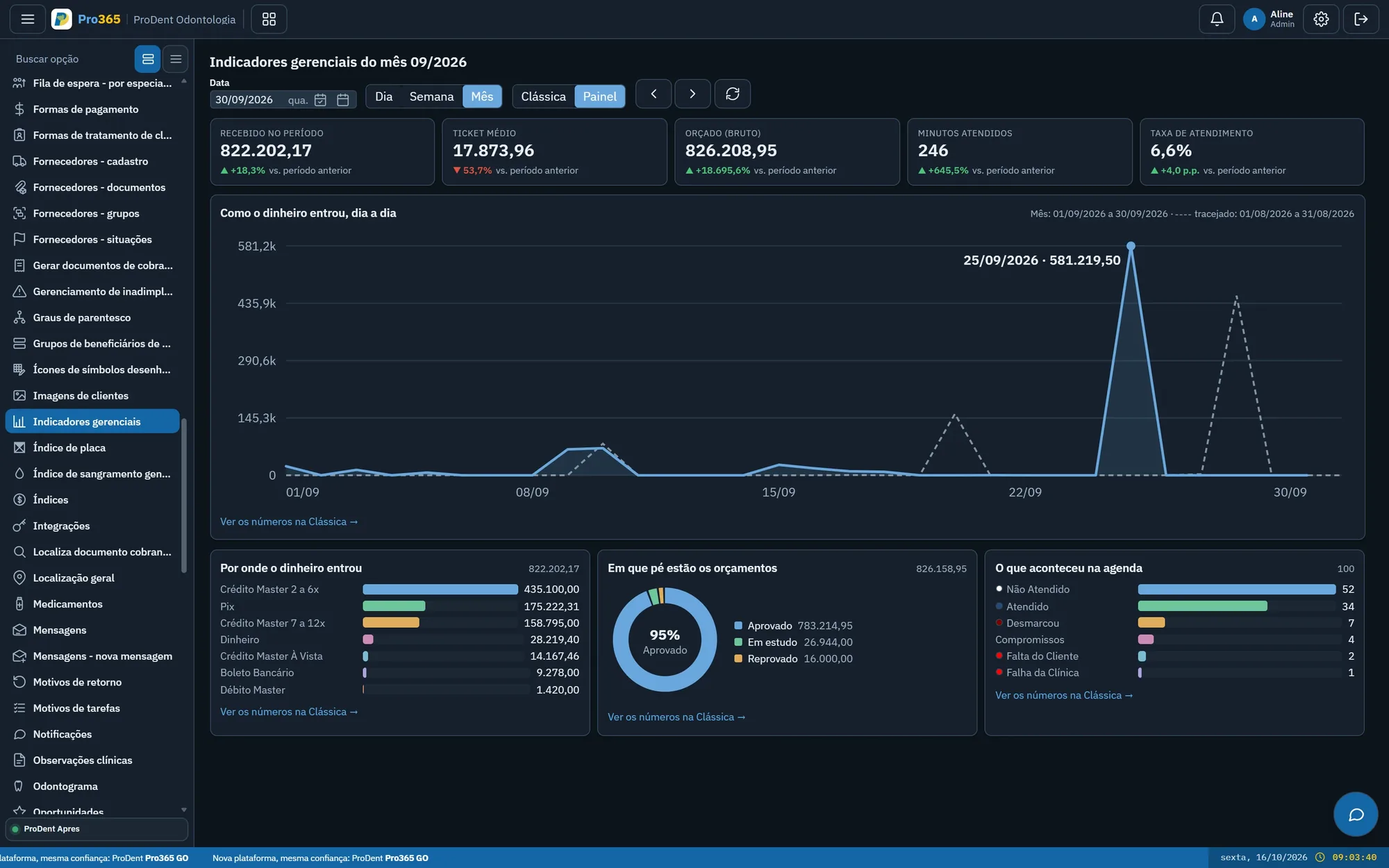
Numbers come from what your clinic already records, by day, week or month, compared with the previous period.
Metrics and dashboardsBy Andreas Hartmann, CEO of HartSystem · updated October 15, 2026
To make data-driven decisions at your dental clinic, follow a few metrics every week (schedule occupancy, no-shows, estimate acceptance, payments received and overdue recalls), compare them with last month and turn every gap into an action with an owner. In Pro365 GO, the dental software that is the new ProDent, the numbers come ready and Pro365 AI answers questions on WhatsApp.
It feels busy, but empty slots only show up at the end of the day.
Nobody knows how many are stalled, or for how long.
By the time a problem shows up, it's too late to fix.
Effort goes in and nobody knows what worked.
Five are enough to start: occupancy, no-shows, estimate acceptance, payments received and overdue recalls.
A short weekly meeting with the dashboard open beats a big monthly report.
A number alone says little. Up or down versus last month says a lot.
Who does what and by when. Next week, the dashboard shows whether it worked.
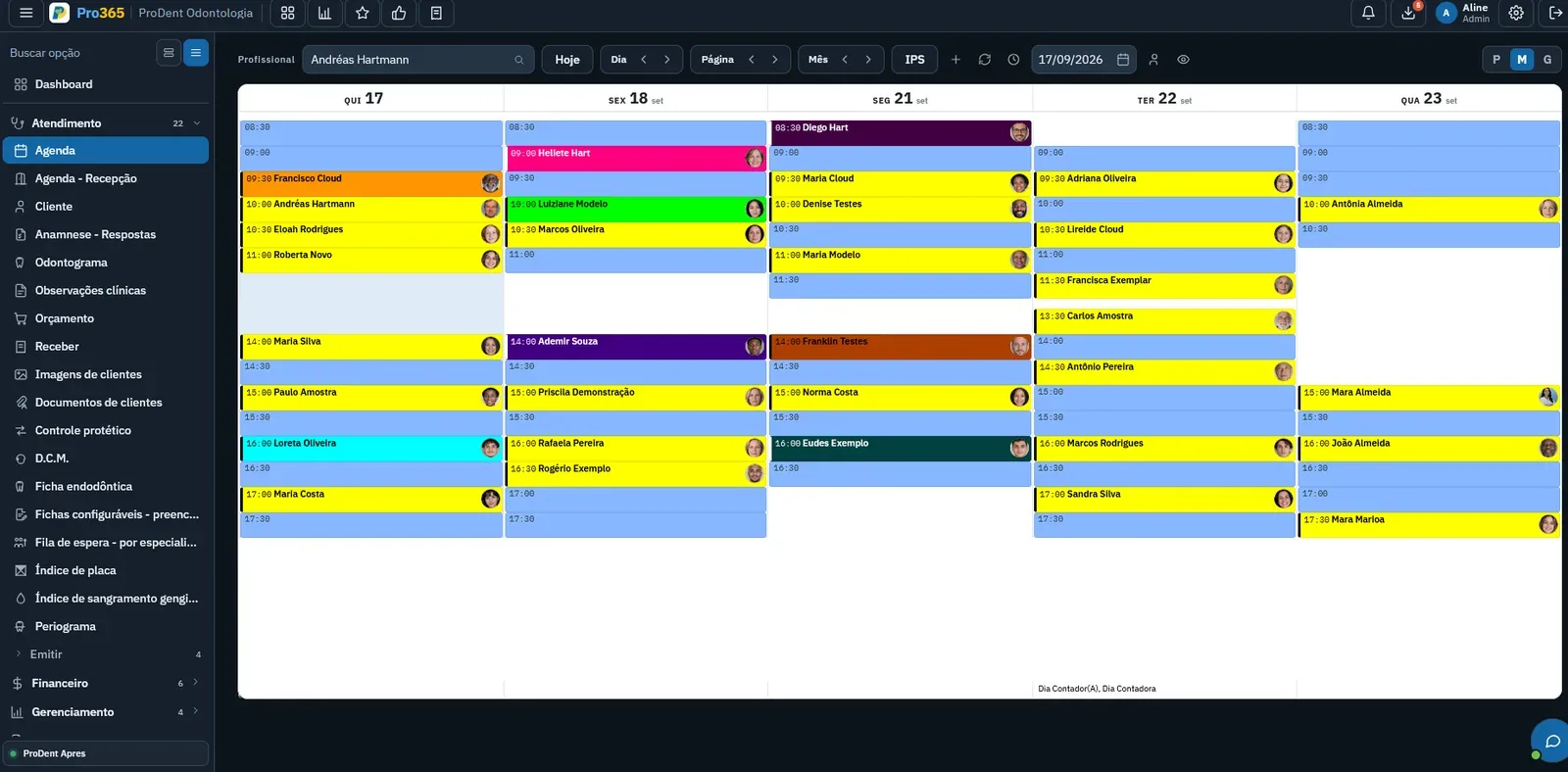
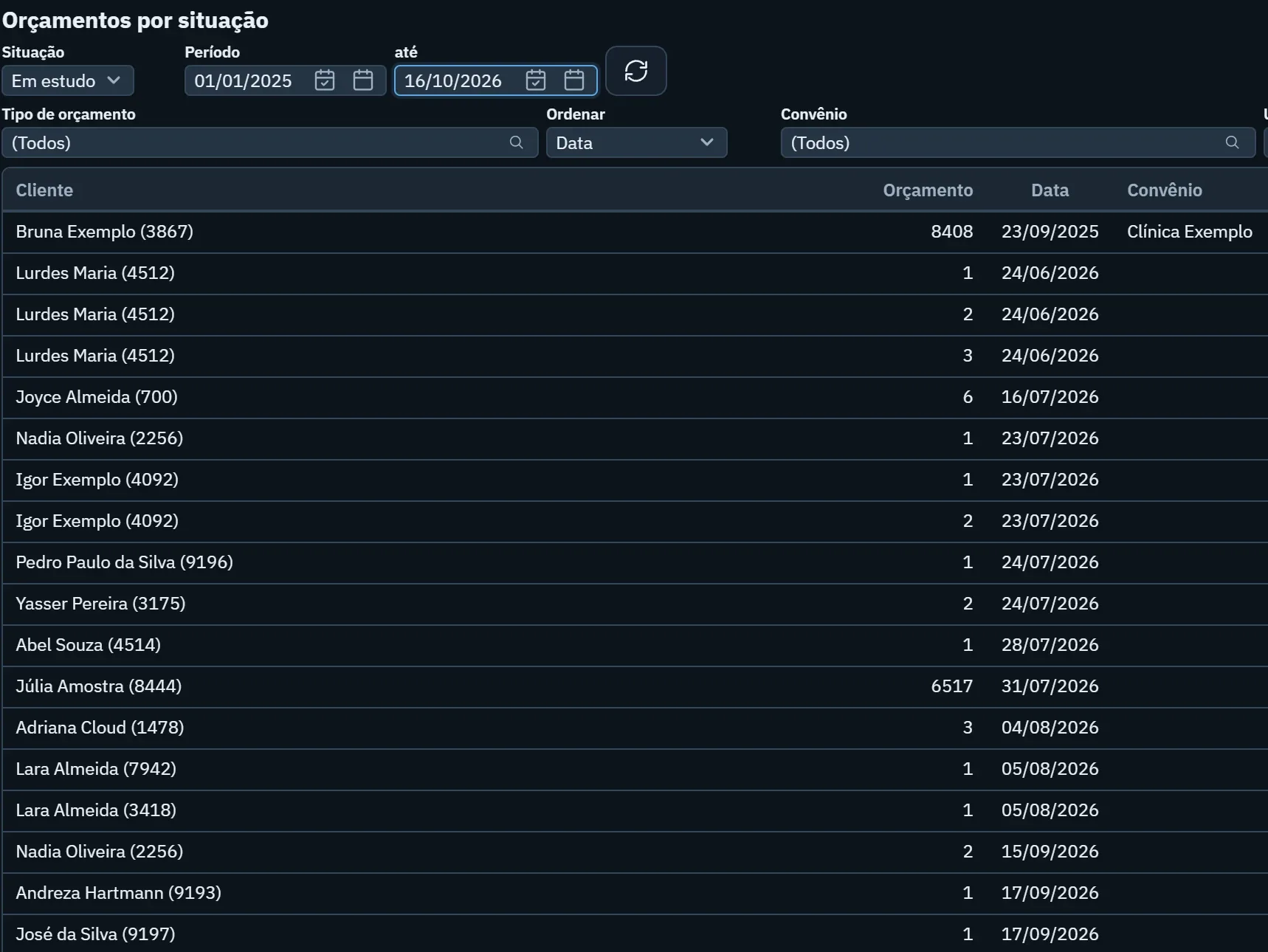
Numbers come from what your clinic already records, by day, week or month, compared with the previous period.
Metrics and dashboardsAsk on WhatsApp, by text or voice, and get the answer right away. Each person only sees what their ProDent permission allows.
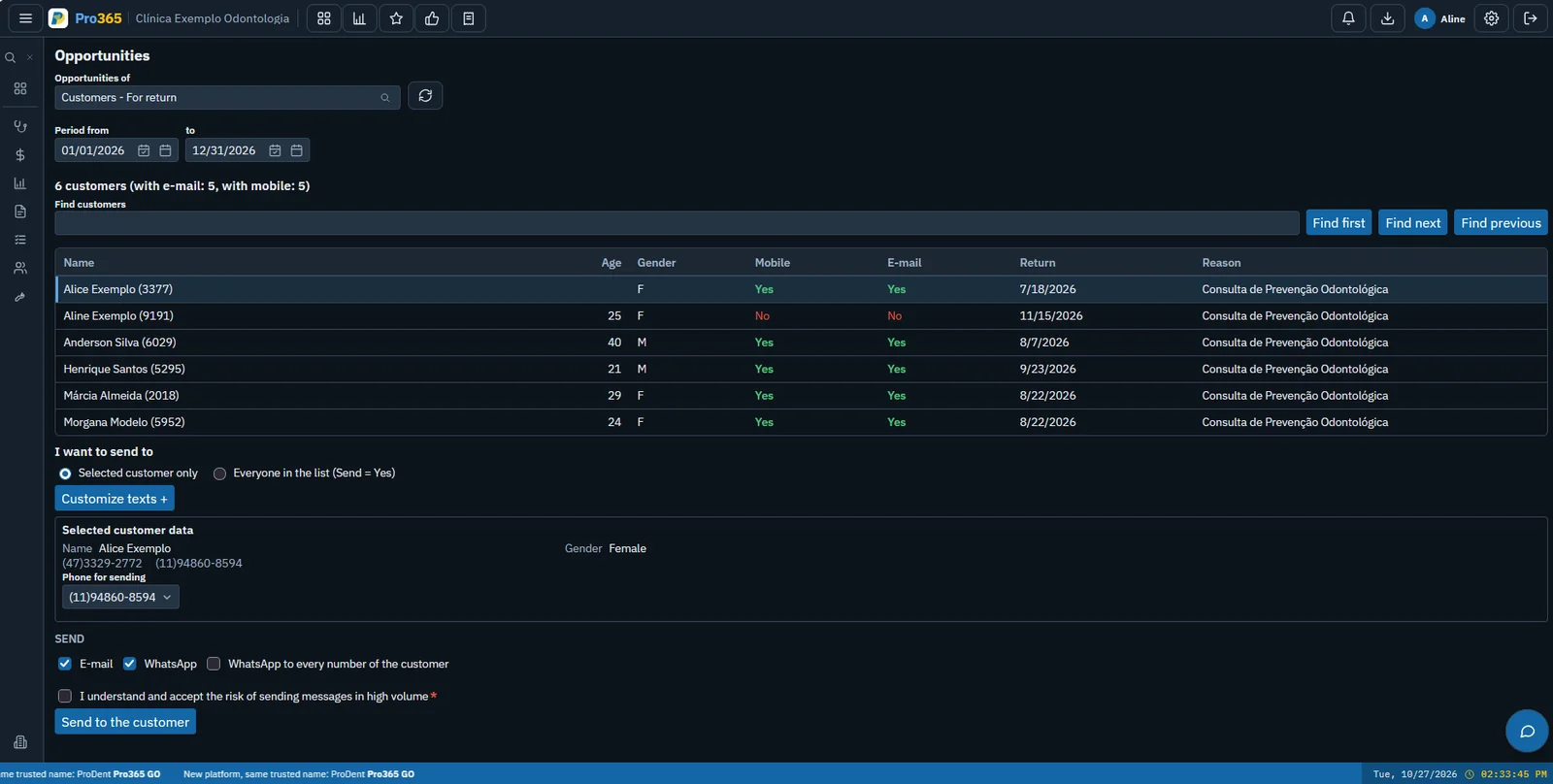
Pro365 AISee what it's like to open the dashboard, change the period and reach the number that calls for action.
With the previous period compared.
Charts to look at, numbers to check.
On WhatsApp, without opening the system.
In Pro365 GO, the new ProDent, schedule, estimates and finance feed the same dashboard. Dashboards make the numbers visual, Pro365 AI Consultant answers questions on WhatsApp and agents turn a gap into action.

What was the best day of the month?
The 25th, with the month's highest receipts. Want to compare with last month?
This tool grew out of more than three decades of ProDent working alongside dental clinics. Now it's 100% web, comes with Pro365 AI and keeps the same HartSystem support team. If you use ProDent, the team helps bring your data over and trains your staff.
Our storyStart with five: occupancy, no-shows, estimate acceptance, payments received and overdue recalls. Then add what makes sense for your clinic.
Every week, on the same day. A short talk with the dashboard open shows where to act.
No. In Pro365 GO the numbers come from what your clinic already records in the schedule, estimates and finances.
The owner looks at the whole, the front desk at schedule and no-shows, and each dentist at their own appointments and estimates.
It only answers what the user's ProDent permission allows, and your clinic's data is never used to train the AI.
See how Pro365 GO connects scheduling, clients, treatments, finances, KPIs and artificial intelligence.
Talk to a specialist