

Why do so many estimates go unanswered?
Most stalled estimates were never turned down. The patient left the appointment with a sheet full of procedure names and a total at the bottom, went home to think it over, and nobody got back in touch.
The reasons repeat in almost every clinic: the patient didn't understand the treatment, the total came as a shock, the terms weren't clear or nobody followed up on the decision. None of these is solved with a discount. All of them are solved with a method.
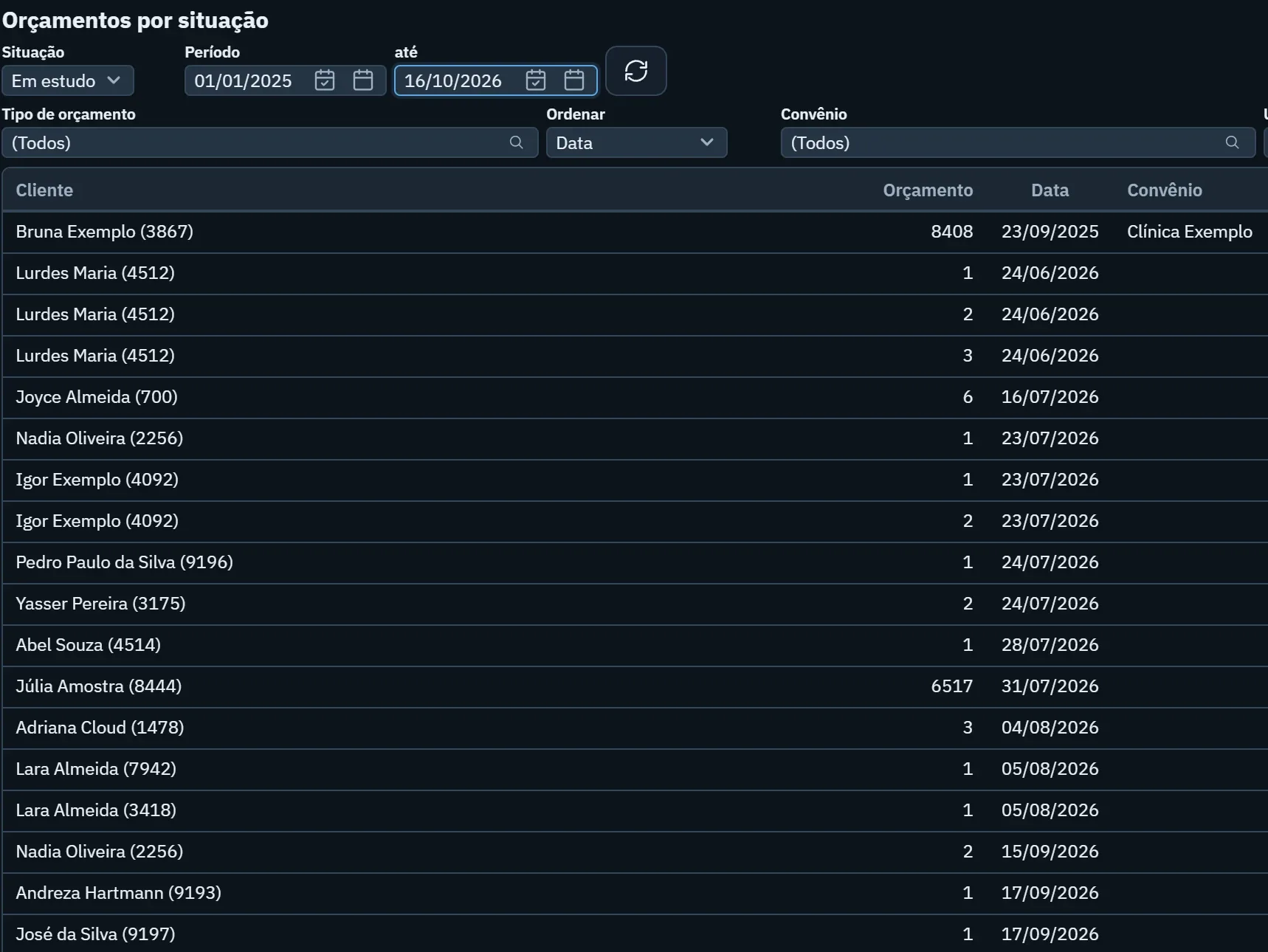
Before changing anything, count how many of last month's estimates still have no decision. That number shows the size of the job and gives you a baseline for the months ahead.
How should you present the treatment plan?
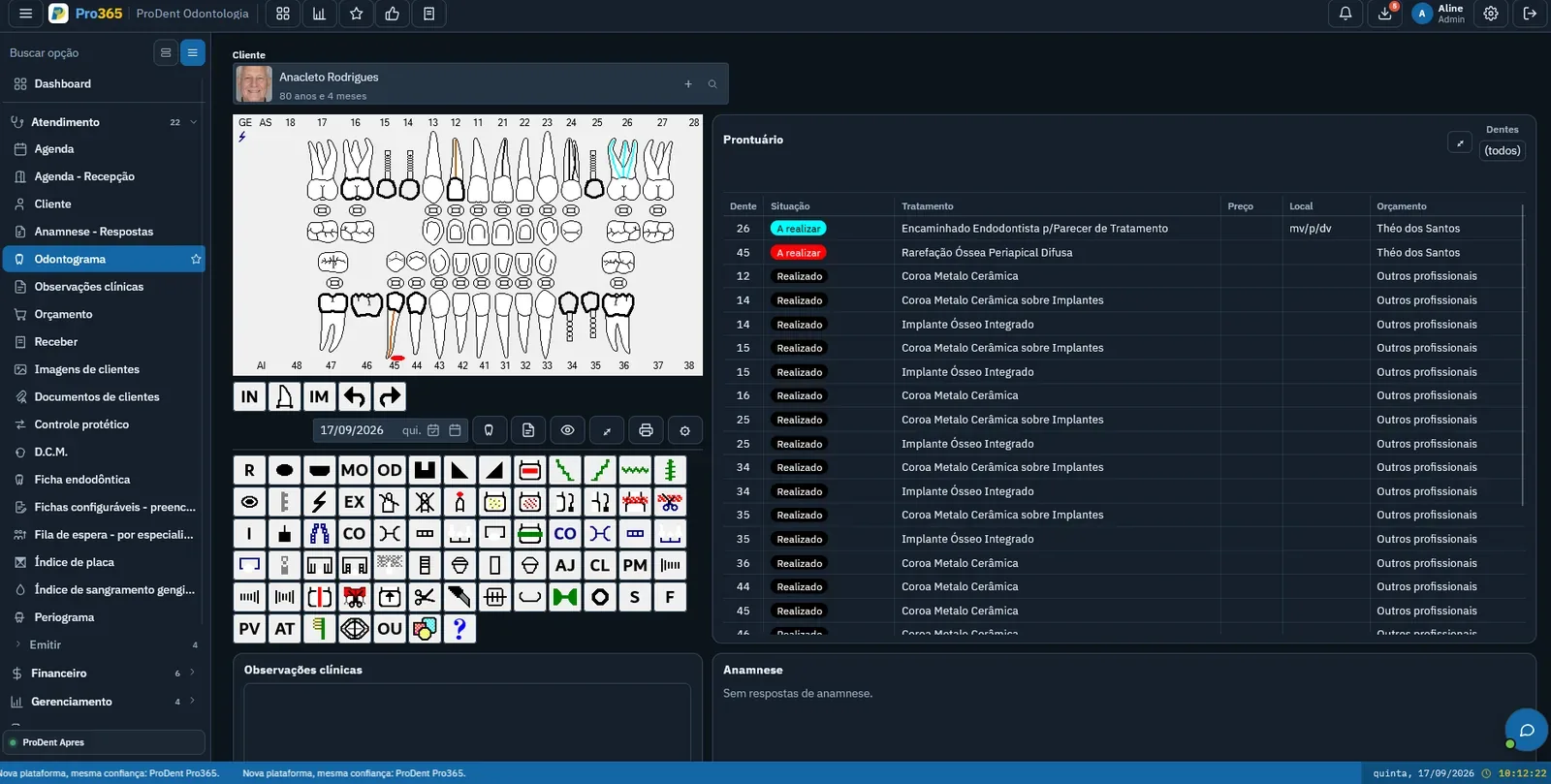
Patients decide better when they see their own case. That's why the presentation starts with the problem and only then gets to the price. A simple routine works well:
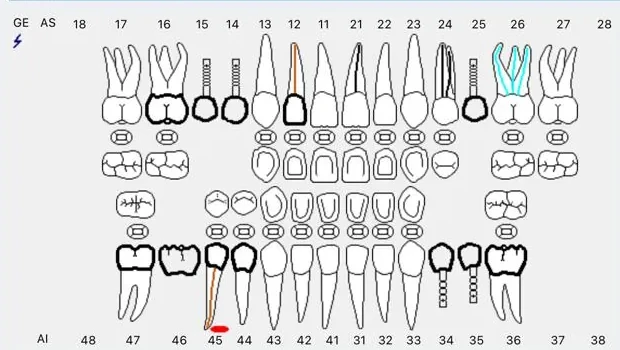
- Show the case before the pricewith the odontogram and images on screen, explaining what each tooth needs and why.
- Separate what's urgent from what can waitsplitting the plan into phases makes it clear where to start and makes the decision feel lighter.
- Present options when there are anyif there's more than one treatment path, show both, with what changes in each.
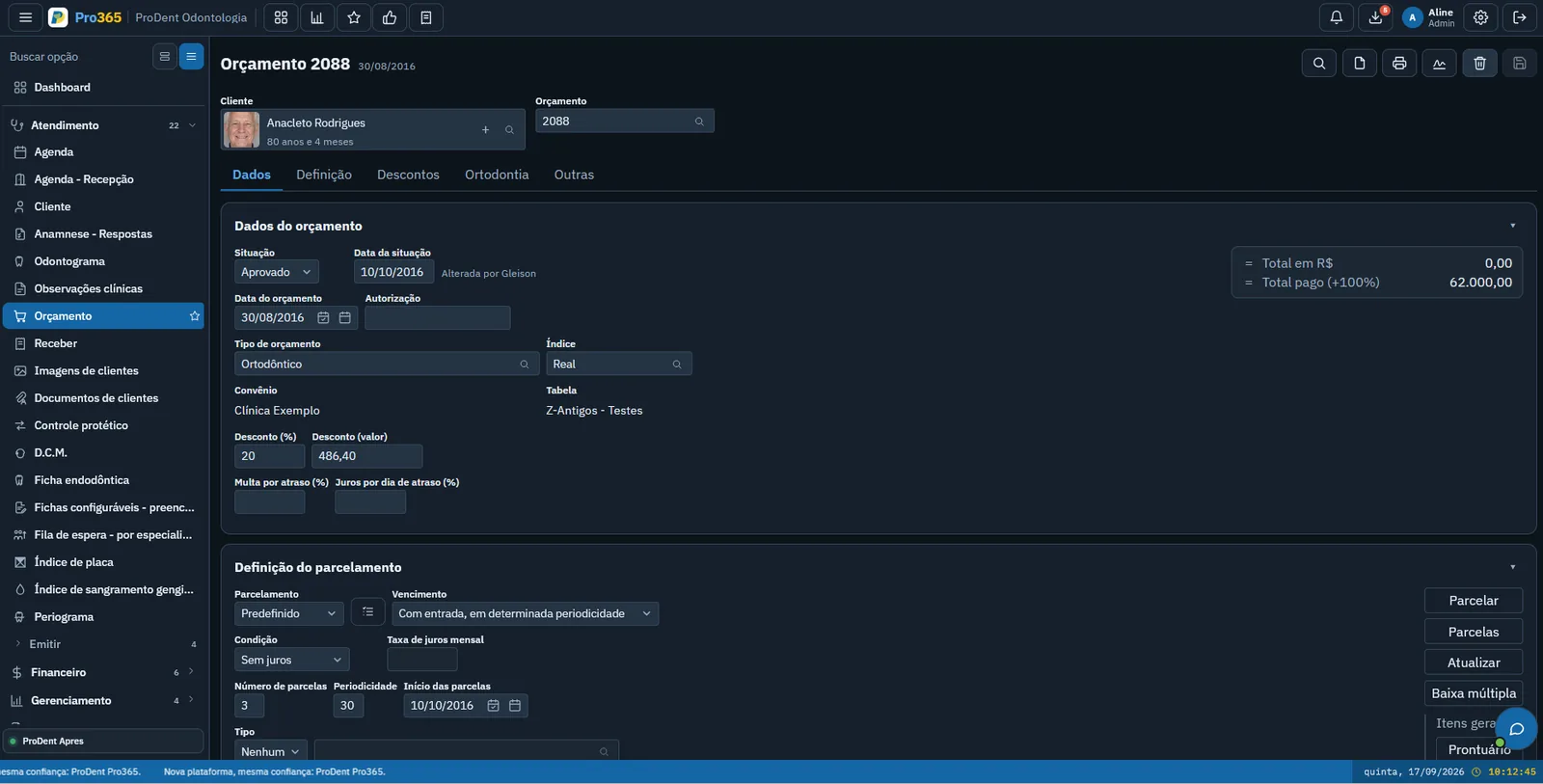
- Put everything in writingprocedures, phases, payment terms and how long the estimate is valid. The patient takes home something they understand.
- Record the status the same dayapproved, pending or declined. An estimate without a status is a forgotten estimate.
The dentist usually presents the plan. But the front desk needs to know what was agreed, because they're the ones who will answer questions later.
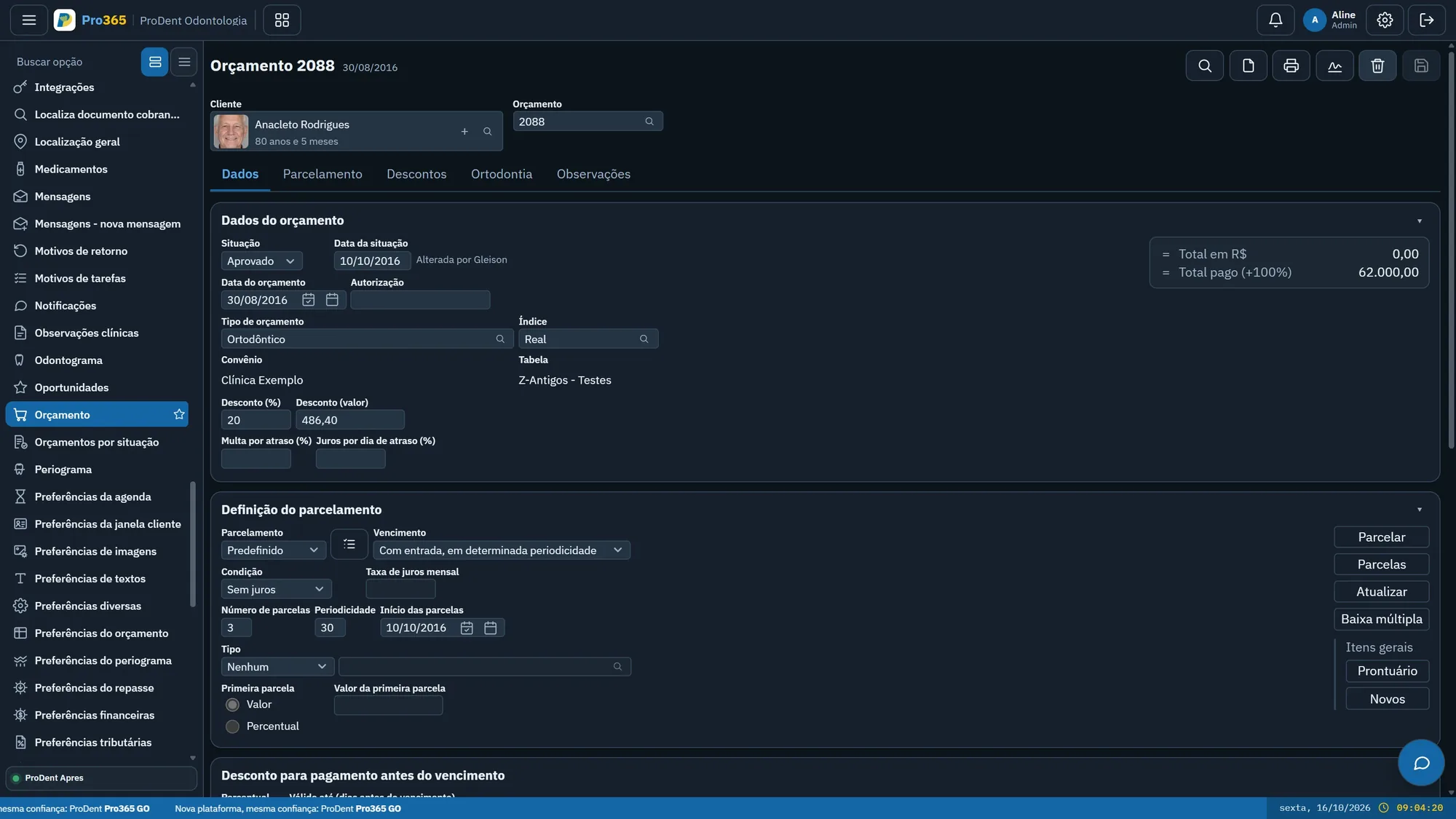
From odontogram to estimate, with no retyping. We'll show you how Pro365 GO, the new ProDent, links the treatment plan to the payment terms.
Schedule a demoHow do you negotiate without handing out discounts?
Improvised discounts teach patients to ask for discounts. Before lowering the price, find out what's holding up the decision. There are four common objections, and each one calls for a different answer:
- Money: the total is affordable, just not all at once. A down payment, the number of installments and the due dates do more than a discount.
- Fear: of the procedure, the pain, the result. Explain again, calmly, and show what happens at each phase.
- Time: the patient can't come in that often. Show the treatment schedule and plan the appointments together.
- Doubt: they want to talk it over with a family member. Offer a follow-up visit to answer their questions together.
For the times a discount does make sense, have a clinic rule: who can offer it, in what situation and how far. That way the front desk isn't negotiating alone and the dentist isn't deciding on the spot, under pressure. To know how far the price can go, see the dental treatment pricing guide.
Write your clinic's discount and payment plan policy on a single page and keep it at the front desk. A clear rule saves everyone the awkwardness.
How do you follow up on pending estimates?
A pending estimate is treatment that could happen but has stalled. The longer it goes without contact, the lower the chance the patient comes back. Follow-up needs an owner, a list and a cadence.
- Assign an ownerusually someone at the front desk. The dentist presents the case; this person follows it through to a decision.
- Work from a listevery pending estimate, with the date it was presented. No relying on memory.
- Set a contact cadencea few days later, to answer questions; further on, to remind them of the terms; after a longer while, to invite them back for a new evaluation.
- Change the topic with each contactrepeating "so, have you decided?" wears people out. Every message should bring the patient something useful.
- Log every conversationand update the status when the patient decides, whether it's a yes or a no.
A declined estimate also deserves one last contact, months later, with another treatment option. Often the "no" really meant "not now".
Follow-up that doesn't depend on someone remembering. See how Pro365 GO sends the message to patients with pending estimates, at the time you set.
Show me how it worksHow do you measure and improve case acceptance?
Without measuring, there's no way to know whether your changes worked. Three numbers are enough to start:
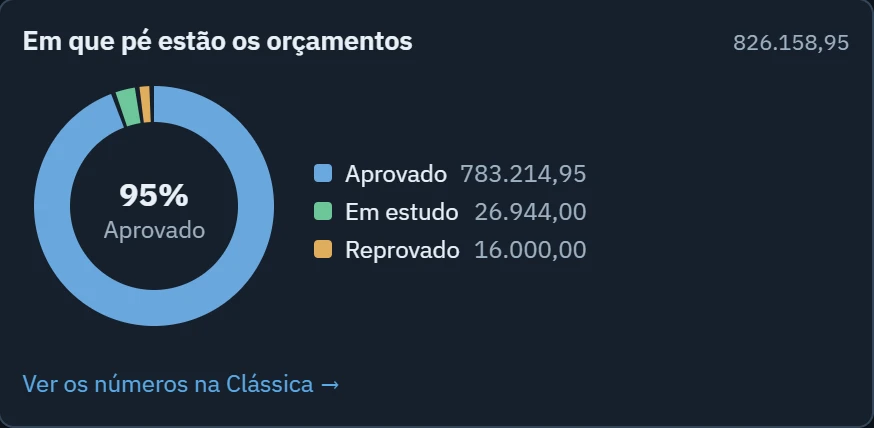
- Monthly acceptance: the share of presented estimates that patients approved. Look at it by count and by value, because one large approved case changes the result a lot.
- Time to decision: how many days patients take to approve or decline. The longer it is, the more attention follow-up needs.
- Reasons for declining: note why the patient said no. After a few months, the reasons show what needs to change in your presentation.
Your best benchmark is your own clinic. Compare each month with the previous ones and across providers, without turning it into a contest: the goal is to find out who presents well and spread their approach across the team.
Finally, don't forget the patients who already said yes. An approved estimate with no appointment booked is treatment that may never start. To connect acceptance with collections, see the financial management guide.