An endodontic chart in your dental software is what lets a root canal case pick up where it left off. When working length, symptoms, clinical signs, the recorded diagnosis, dates, procedures and notes live in one place, any authorized dentist can resume the case with context instead of hunting for clues.
The patient comes back before the scheduled date. The pain is back, the dentist who started treatment is on a different shift and the team needs to understand, quickly, what happened at the last visit. There's an X-ray in one folder, a measurement written on paper and a short note in the general record. Every piece of information exists, but the case isn't ready to be picked up.
That kind of situation shows why the endodontic chart in ProDent shouldn't be seen as just another form to fill out. When the record brings together working length (odontometry), symptoms, clinical signs, the diagnosis recorded by the dentist, dates, procedures and notes, it helps preserve the documented line of reasoning from one visit to the next.
The practical gain is continuity. The authorized person who opens the record doesn't have to rebuild the treatment from messages, scattered files or memory. They find an organized history to review the case and make their own clinical evaluation with more context.
The clinical handoff starts with how each visit is recorded
In endodontics, the next appointment usually depends on details produced in the previous one. If those details only live in the memory of whoever treated the patient, the clinic creates a silent dependency. The workflow holds up as long as the same people are around and the schedule goes as planned. One emergency, one change of dentist or one unplanned return is enough to expose the weakness.
A well-used endodontic chart reduces that dependency by turning the end of each visit into preparation for the next. The goal isn't to write long notes. It's to record enough context for the information to stay understandable after the appointment ends.
Key point: the chart organizes what was recorded and makes it easier to retrieve. It doesn't replace the medical history, exam, interpretation, diagnosis, treatment decisions or professional responsibility.
What needs to survive a shift change
Imagine a second dentist opening the case without having been at the previous visit. For the history to be useful, they need to be able to tell three layers of information apart.
- What was observed: which symptoms and clinical signs were recorded, under what conditions and which diagnosis was documented by the treating dentist.
- What was done: which tooth and structures were being treated, which working length measurements were recorded, which procedures were performed and on what date.
- Where the case stands: what was recorded about the status of the case at the end of the visit, which notes help explain the return and which points still need to be checked at the new evaluation.
These layers aren't an automatic prescription for the next step. They keep recorded facts, clinical interpretation and open questions from being mixed into one vague note. With that separation, the next dentist can review the history and take over the evaluation with a clearer picture of what's already documented.
Working length with context, not just a number
Working length is one of the fields in ProDent's Endodontic Chart. Its operational value shows up when the measurement stays tied to the case, the visit and the relevant notes. An isolated number can be found, but it may not explain when it was taken, what it refers to or how it relates to the rest of the documented treatment.
That's why efficiency shouldn't be measured only by how fast the form gets filled out. An efficient record is one that can be understood later without a side investigation. It helps avoid internal phone calls, digging through paper, messages to an absent colleague and repeated questions that should already have context in the patient record.
A practical scenario: an unplanned return visit
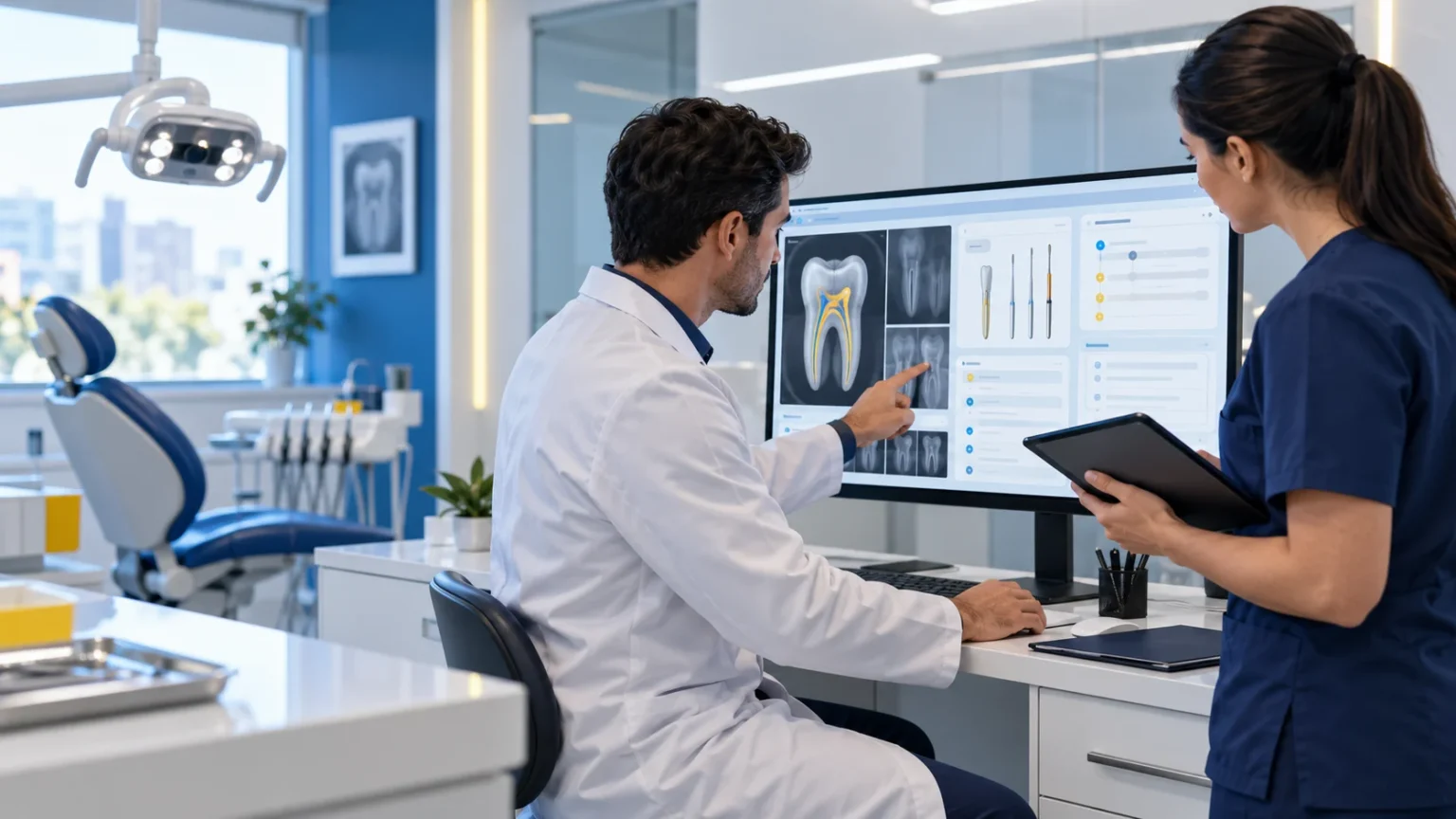
In our example clinic, the front desk flags the unplanned return and routes the case for evaluation. Before calling the patient in, the authorized dentist opens the digital record and finds the endodontic chart in ProDent. Instead of a generic line like "treatment started," they see the previous visit with its date, recorded symptoms and signs, documented diagnosis, working length, procedure and notes.
Images and other documents in the history help rebuild the available context. The appointment starts with organized information, not with a ready-made decision. The dentist confirms details with the patient, performs the necessary evaluation and decides on the next step under their own responsibility. Then the new visit also needs to be recorded so the case stays clear for whoever sees the patient next.
The operational difference is simple. Without a dedicated, well-maintained chart, the clinic looks for clues. With an organized endodontic history, it reviews records. That shift saves administrative effort and improves the handoff of context, without promising any clinical outcome or skipping professional verification.
How to turn the chart into a team routine
Adopting the feature depends on a recording agreement that respects clinical practice and each dentist's responsibility. The clinic can start with four operational decisions.
- Define when the endodontic chart in ProDent should be opened and updated within the patient record.
- Agree on which fields need to be reviewed in each type of visit, without turning the software into a one-size-fits-all clinical protocol.
- Decide who can view and edit the record, based on role, authorization and the clinic's access policy.
- Explain how to record corrections, additional information and situations outside the expected flow, keeping authorship and context intact.
HartSystem's hands-on support and personalized consulting can help the team understand the feature and fit it into the ProDent routine. The Pro365 AI Instructor can also help with questions about navigating and using the system, within the guidance available. None of these replace the clinical, documentation, legal and access decisions that belong to the clinic and the responsible dentists.
Operational efficiency you can actually notice
The chart starts to pay off when it changes the work around the appointment. Instead of counting how many fields were filled in, look for signs of continuity in the routine.
- The team finds the specialty history without relying on side spreadsheets or notes.
- Visits are linked by date, procedure and understandable notes.
- Working length can be reviewed in the context of the recorded treatment.
- The images and documents you need are attached to the patient's history.
- Questions about using the system reach support with concrete examples, not vague descriptions.
These signs don't measure the technical quality of the treatment. They show whether the tool is supporting a more organized operation, with information available to authorized people and less dependence on memory, paper or conversations outside the record.
The endodontic chart and the digital patient record work together
A specialty chart is strongest when it's part of a broader digital patient record. In ProDent, the digital record, specialty charts, clinical notes, images and documents belong to the same clinical area. That connection keeps endodontics from becoming an information island inside the clinic.
The patient record keeps the full view of the patient. The endodontic chart goes deeper into the specialty. Images and documents fill in the available context. Together they allow a more complete reading of the history, as long as the team records information consistently and respects permissions, privacy and professional responsibility.
When to review how the feature is being used
Some events are good triggers for reviewing how the clinic uses the Endodontic Chart. An emergency return that requires calling the dentist who treated the patient, a visit where the working length shows up without context, an X-ray missing from the history, a change of dentist that depends on a verbal explanation or a recurring question about where to record progress all show there's room to improve the routine.
The review can start with a real emergency scenario, without exposing unnecessary patient data. The team walks through how they find the chart, how they locate the previous visit, how they check the working length and how they access related images or documents. From there, it's easier to see whether the problem is in the setup, the training, the access rules or recording habits.
Continuity is what makes an endodontic chart worth using
Treatments that span several visits need a history that survives shift changes, schedule changes and the unexpected. ProDent's Endodontic Chart helps organize working length, symptoms, clinical signs, the recorded diagnosis, visits, procedures and notes inside the patient record.
When you see a demo, ask to focus on an unplanned return visit. See how the chart connects to the patient record, how a previous visit is retrieved and how the history stays available to authorized dentists. That way your clinic evaluates the feature on what really matters: continuity, clarity and everyday use.
With Pro365 GO, the new ProDent that runs 100% on the web, the endodontic chart lives in the same record as images, notes and every previous visit. Book a demo to see it with a real case flow.