The most practical way to reduce dental no-shows is to manage them as a process, not as bad luck. Send a reminder right after booking, confirm attendance one or two days before the visit and keep a waitlist ready, so every unconfirmed slot becomes a chance to act instead of an empty chair.
Running a dental clinic involves challenges that go far beyond clinical care. To grow sustainably, you need organized processes and, above all, a productive schedule. One of the biggest threats to efficiency is a problem nearly every clinic shares: patients who miss appointments without warning.
No-shows cost the clinic revenue, time and productivity. The good news is that technology helps a lot. Among ProDent client clinics, no-shows fell from about 15% to 2.7% after they adopted automatic confirmation (HartSystem client data).
So how do you get there? The answer lies in two management tools that work together: the appointment reminder and the appointment confirmation.
Step 1: Understand the difference between a reminder and a confirmation
They may sound like the same thing, but reminders and confirmations play different, complementary roles in the patient journey. Understanding that difference is the first step to managing no-shows well.
The appointment reminder: the starting point for an organized schedule
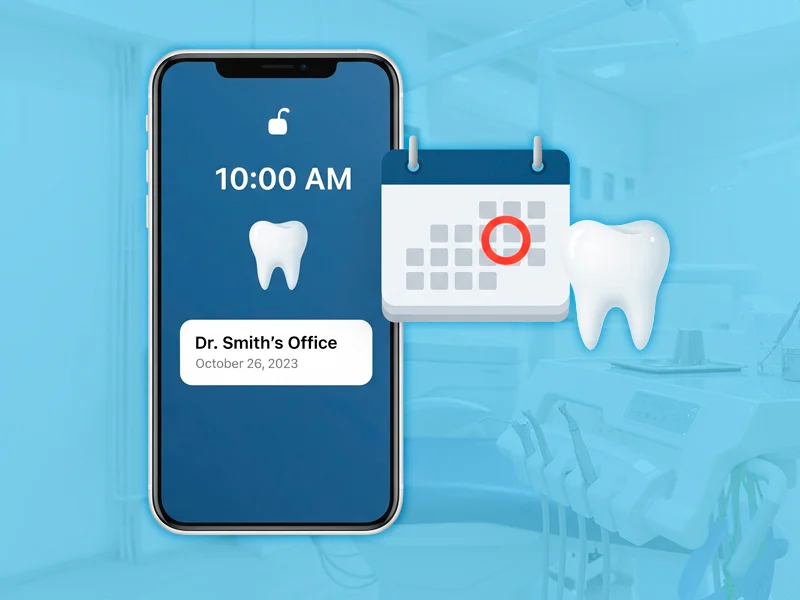
The reminder comes first. It works as a preventive notice, usually sent right after the appointment is booked. Its main job is to lock the commitment into the patient's mind and calendar.
Besides preventing forgotten visits and double bookings, this simple step signals professionalism and care, which strengthens your clinic's image. That's why it's an essential part of modern clinic management.
The appointment confirmation: the safeguard for a productive day
Next comes the confirmation. It's a proactive step, sent one or two days before the visit, with one clear goal: verifying that the patient will be there.
This step is what prevents holes in the schedule. It lets the team plan ahead and, when needed, offer the time slot to a patient on the waitlist.
Step 2: Make the confirmation work harder for you
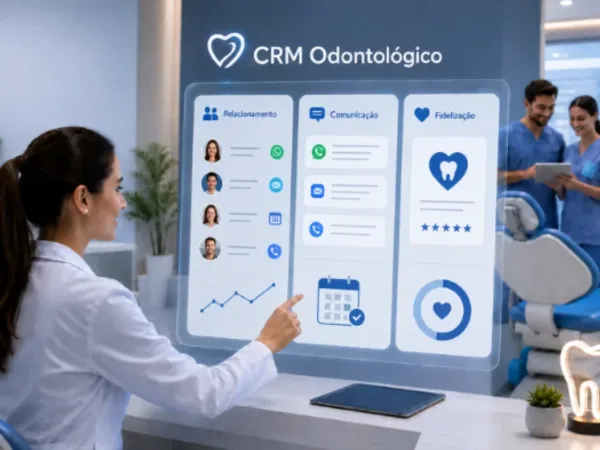
This is where innovation makes a difference. ProDent goes further by letting patients, from the same confirmation message:
- request an Uber ride or open directions in Waze or Google Maps;
- complete Fast-in, filling out their intake form digitally before they arrive.
That saves front desk time and takes the patient experience to a new level of convenience.
Step 3: Compare your schedule with and without the process
When reminders and confirmations work together, the change in the daily routine is easy to see. Compare the two scenarios:
Without the process: patients forget appointments, the team deals with last-minute empty slots, revenue drops and productivity suffers.
With the process: the schedule runs more smoothly, no-shows drop sharply and clinic management becomes more predictable and organized.
Investing in these tools isn't just about sending automated messages. It's about building a clinic management system that is robust, efficient and centered on the patient.
Make no-show prevention part of your routine
For any clinic that wants to grow, reducing no-shows is a priority. An automated flow of appointment reminders and confirmations is one of the most effective ways to get there.
Tools like ProDent help modern clinics organize their processes and deliver a complete digital experience that builds patient loyalty and supports sustainable revenue growth.
Pro365 GO, the new ProDent that runs 100% on the web, automates reminders and confirmations and connects them to your schedule, intake forms and patient records. Book a demo to see how it can reduce no-shows in your clinic.