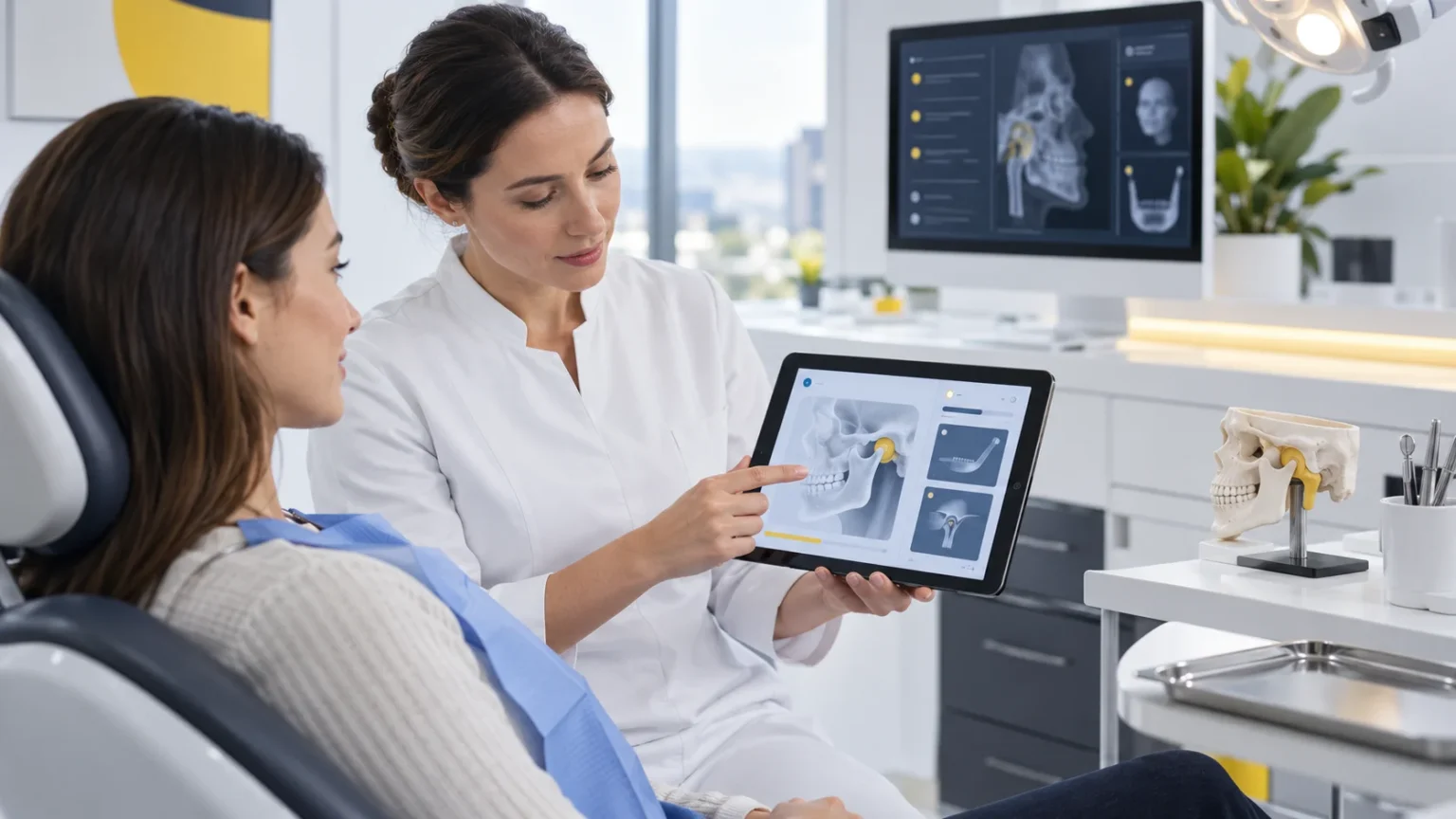
A TMD evaluation form in dental software works best when it turns the first visit into an organized clinical baseline. The goal isn't just to fill in fields but to build a record that lets you retrieve the patient's account, review the findings and compare new information against clear criteria at every reassessment.
Facial pain, limited opening, discomfort when chewing and joint noises can show up in different ways over time. For the provider, the challenge isn't only recognizing these signs but recording enough context so the next evaluation doesn't start from zero.
TMD and CMD: why both terms appear
TMD, temporomandibular disorder, is the term most used in searches and current clinical references. CMD, craniomandibular disorder, is the name used in ProDent's feature, labeled D.C.M.
Whatever the name, there's a clinical limit to respect. According to the National Institute of Dental and Craniofacial Research, there is no widely accepted, standard test to diagnose TMD, and symptoms can overlap with other conditions. The investigation may involve a detailed history, a clinical exam and, when the dentist sees fit, imaging tests.
The form and the indices help organize information. Interpretation and clinical decisions remain the provider's responsibility.
The first record sets the quality of every comparison
When the first evaluation contains only phrases like "jaw pain" or "TMJ clicking," the follow-up visit tends to depend on memory. Even with the form in the software, there may not be enough context to understand what changed.
A useful initial record answers five points.
1. What is the reported complaint?
Keep the patient's own description without jumping to a conclusion. Location, frequency, perceived intensity and functional impact can help tell an occasional complaint apart from a pattern that needs follow-up.
2. When do the symptoms appear?
Recording when symptoms show up makes the information more comparable. Chewing, opening the mouth, speaking, resting and certain times of day can all be part of the context, depending on the clinical protocol used.
It's also useful to note what makes the discomfort worse or better and whether anything changed recently.
3. What was observed in the evaluation?
The patient's account and the clinical finding are not the same information. The form should let the provider record the evaluation in an organized way, using the criteria the clinic defined and respecting the provider's clinical autonomy.
The operational gain comes when the same concepts are recorded consistently, without ambiguous abbreviations or scattered notes.
4. Which index was generated and how was it interpreted?
ProDent's D.C.M. feature lets you record symptoms, perform the evaluation and generate clinical indices, while keeping previous indices on file.
A number on its own, however, doesn't explain the case. The record should keep the context that led to the index and the provider's interpretation at that moment. That way, a future difference can be analyzed alongside symptoms, findings and the conditions of the evaluation.
5. What needs to be reviewed at the next visit?
A good first form already prepares the next appointment. The provider can note what they want to compare, which questions need a closer look and what should be reassessed.
This preparation cuts the time spent rebuilding the case and helps focus the visit on what really needs attention.
How ProDent's D.C.M. feature supports this routine
The feature lets the clinic record symptoms and evaluations, generate clinical indices and look up previous indices.
It connects to a broader clinical structure. ProDent includes the digital patient record, clinical notes, specialty forms, images and documents within its clinical tools.
In practice, this setup can help:
- reduce reliance on outside notes
- keep the evaluation tied to the right patient record
- retrieve previous indices faster
- make it easier to prepare for follow-up visits
- preserve context between authorized providers
- cut the rework of rebuilding the history
The available fields and the method used to generate each index should be confirmed with the HartSystem team during the demo, setup or training.
Example of a record ready for reassessment
Picture a first visit where the patient reports discomfort when chewing and limited opening on waking up.
An operationally useful record could organize:
- Account: what the patient describes, location and impact on daily routine
- Context: perceived onset, frequency, related situations and recent changes
- Evaluation: findings documented according to the provider's protocol
- Index: the result generated by the form, along with the clinical interpretation
- Follow-up: what should be compared and what information still needs to be checked
The example doesn't define a diagnosis or treatment. It shows how to separate information so the reassessment has a clear reference point.
Clinical efficiency doesn't mean filling in more fields
A long form isn't necessarily a useful one. Efficiency depends on recording what you'll need to interpret, decide and compare.
The clinic can get more out of the feature by defining:
- the minimum information the first evaluation must contain
- which terms should be used consistently
- who can view and update the record
- how the provider will document the interpretation of the index
- what information should be ready before the reassessment
This standard needs to fit the routine, the clinical criteria, data protection and the team's professional responsibilities.
Where support comes in
Adopting a clinical form takes setup, training and repetition. HartSystem's personal support and tailored consulting can help the clinic learn the feature, review how it's used and train the people responsible.
This help matters most when the team has questions about where to find information, how to look up previous indices or how the form ties into the patient record. Our article on ongoing dental software training goes deeper into the gap between an available feature and consistent use.
What a TMD evaluation form doesn't replace
The form doesn't replace the medical history, the clinical exam, differential diagnosis or professional judgment. Nor should it be used to conclude automatically that facial pain is related to TMD.
Clinical indices are structured aids. They don't choose treatment, rule out other causes or guarantee progress. ProDent's value lies in helping organize and retrieve information so the provider works with more context.
Make the first evaluation a reference you can use
The best time to prepare a good reassessment is during the first record.
By using ProDent's D.C.M. form to organize symptoms, evaluation, indices and history, the clinic depends less on memory and builds a clearer basis for following each case.
With Pro365 GO, the new ProDent that runs 100% on the web, the D.C.M. form and its previous indices stay inside each patient's record. Book a demo focused on the D.C.M. feature to see how to record a first evaluation, pull up the generated index and prepare what should be reviewed at the next visit.