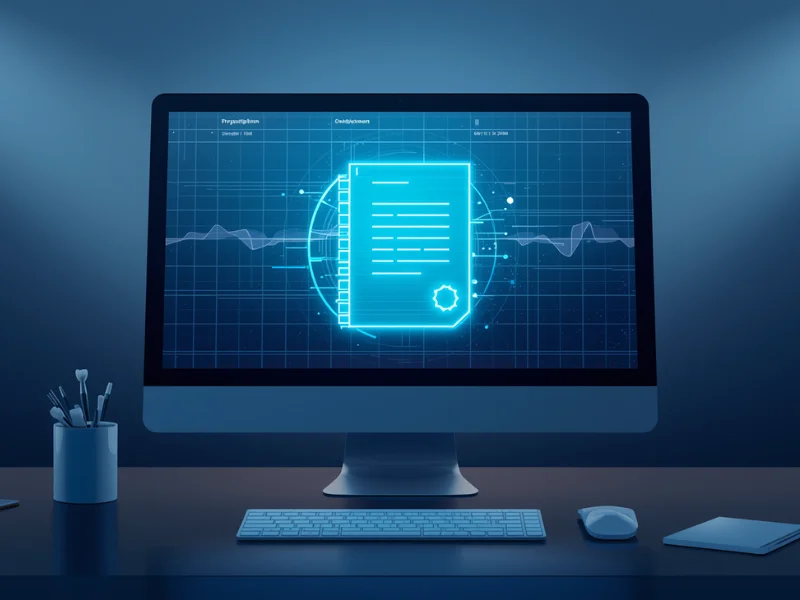
Electronic dental prescriptions are created directly in your clinic software: you open the patient's record, add the medications, generate the document, sign it and send it by link. Each prescription is saved automatically with the date, time, content and the person who signed, so nothing depends on handwriting or paper files.
If your clinic still writes prescriptions on paper, you've probably run into situations like these:
- lost documents
- hard-to-read handwriting
- rework when issuing them
- no organized history
That affects how the clinic runs. Issuing documents by hand also takes up the team's time and increases the risk of mistakes, which hurts both productivity and the clinic's protection.
The problem with paper prescriptions
Manual prescriptions cause a series of operational problems:
- no standard format
- filling errors
- illegible handwriting
- risk of loss
- no organized history
Every new prescription also takes time, and that time, added up over the day, reduces the clinic's capacity. Sticking with this model limits growth.
What electronic dental prescriptions are
Electronic dental prescriptions are documents issued directly in dental software, stored automatically and signed electronically or digitally.
In ProDent, for example, you can:
- add medications
- generate the document automatically
- apply an electronic or digital signature
- send it to the patient by link
All of that without paper, without rework and with an automatic record in the system.
How to issue electronic dental prescriptions, step by step
Now for the practical part.
1. Open the patient's record
Every electronic prescription starts in the patient's record. That ensures:
- a link to the patient's history
- organized data
- information security
2. Enter the prescription details
You add:
- medications
- instructions
- clinical notes
The software organizes everything automatically.
3. Generate the document
In a few clicks, the software builds the complete prescription, with no need to write it out by hand.
4. Sign it
You can use:
- an electronic signature, through a link on the dentist's phone
- a certificate-based digital signature (available in Brazil, with the dentist's ICP-Brasil certificate)
Rules for prescriptions vary by country, state and type of medication, so confirm which signature and delivery method apply to each prescription you issue.
5. Send it to the patient
The prescription can be:
- sent by link
- shared digitally
- printed, if needed
6. Automatic storage
Every prescription is recorded in the software with:
- date
- time
- content
- the person who signed
That greatly reduces the risk of losing documents.
Benefits of electronic dental prescriptions
Now for what really matters: the impact on the clinic.
Faster appointments
Issuing a prescription in the software takes much less time than writing it by hand. The result is less administrative time and more time for patient care.
Fewer errors
The software standardizes how prescriptions are filled out. That prevents:
- writing mistakes
- misreadings
- rework
Everything organized
Every electronic prescription is stored in the patient's chart. That means:
- easy access
- a complete history
- better clinical control
More protection for the clinic
Each document has:
- a record of when it was issued
- the provider's identification
- traceability
A better patient experience
Electronic prescriptions are:
- easier to read
- faster
- more professional
And that improves how patients see the clinic.
Connected to the patient record
This is the big difference. Every prescription or excuse note you issue:
- is linked to the patient
- can be accessed at any time
- strengthens the clinical history
How prescriptions connect to practice management
Organized documents have a direct effect on:
- team efficiency
- appointment time
- quality of care
Digitizing clinical processes, including prescriptions, means less time with paper and more time with patients.
Prescriptions are a good place to start going digital
Writing prescriptions and excuse notes by hand no longer makes sense in a modern clinic. Going digital isn't just an operational improvement. It's a step forward in management.
Used well, the technology gives your clinic:
- time
- organization
- security
- productivity
With Pro365 GO, the new ProDent that runs 100% on the web, prescriptions and excuse notes are issued straight from the patient record. Book a demo to see how it speeds up your routine.